
Weak Wi-Fi in One Room? How to Get a Good Signal Everywhere
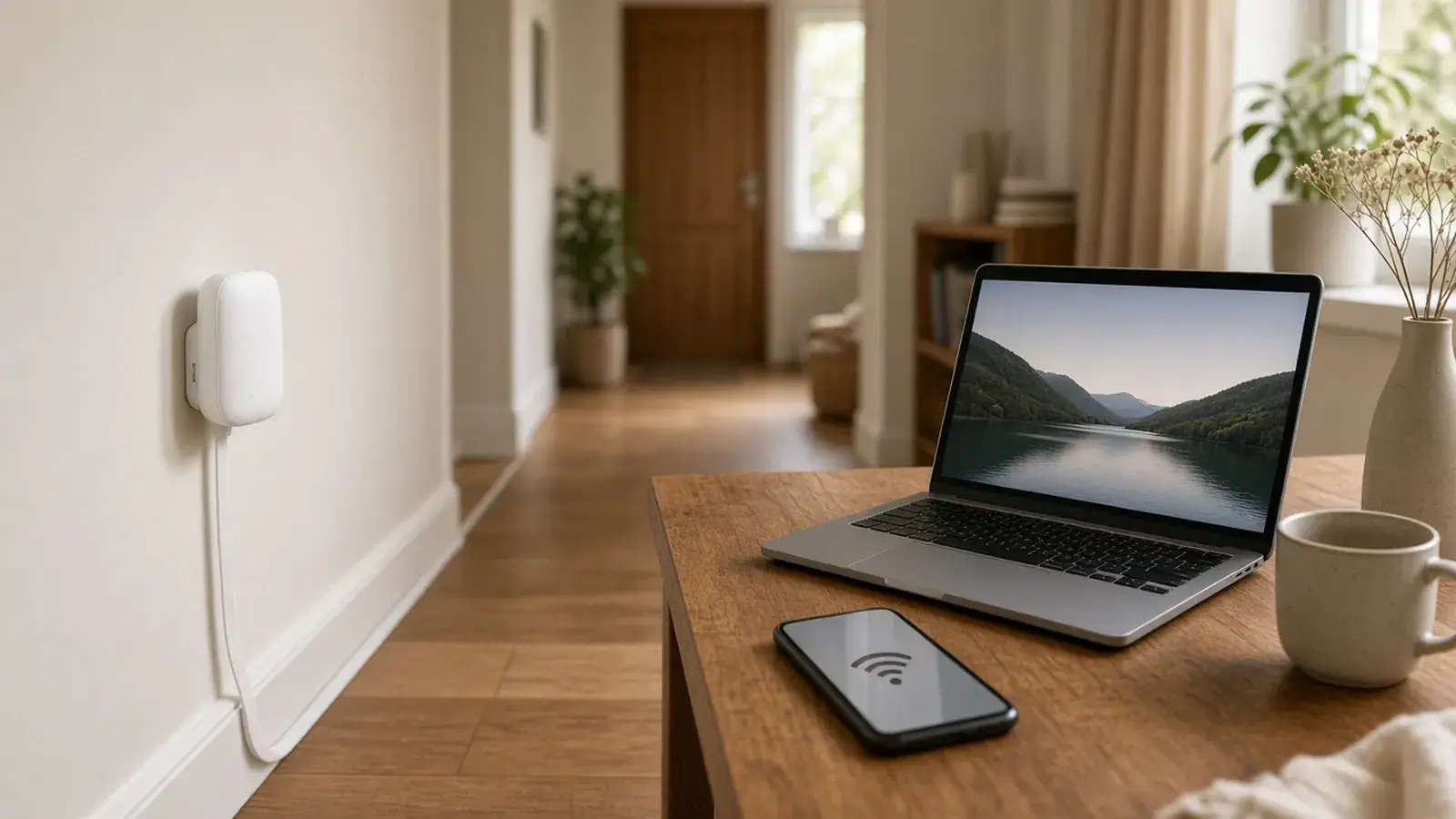
Start with free tweaks: put the router in the open, up high and as central as possible (not in a cupboard, not behind the TV), update the firmware and check whether the device in the far room connects better on the 2.4 GHz band. If that's not enough: an Ethernet cable is the most stable, a mesh extender halfway is the easiest, and powerline helps when thick walls or floors are in the way.
Why is the Wi-Fi so bad in one room?
Wi-Fi is radio, and radio gets weaker as it travels through your home. The more and denser the obstacles between router and device, the less gets through. The worst offenders:
- Reinforced concrete, floors and load-bearing walls.
- Underfloor heating and metal (radiators, fridges, shelving).
- Water: aquariums, bathrooms, even large plants.
- Mirrors and coated windows, which reflect the signal.
Then there’s interference: microwaves, baby monitors, Bluetooth and your neighbours’ networks all share the 2.4 GHz band. And finally, the router often sits wherever the line comes in, in the far corner of the hallway.
Step 1: Free optimisations
- Move the router: up high, in the open, as central as possible. Even a metre can make a big difference.
- Point antennas (if any) partly vertical, partly horizontal.
- Run a firmware update in the router settings.
- Check the channel: most routers pick one automatically. If 2.4 GHz is struggling, switching to channel 1, 6 or 11 sometimes helps, because these don’t overlap.
- Restart: switch the router and the affected device off and on once.
Step 2: Choose the right upgrade
| Solution | Stability | Effort | Ideal when … |
|---|---|---|---|
| Ethernet cable | very high | run a cable | PC, TV, console, home office |
| Mesh extender | good | very low | one or two rooms on the same floor |
| Mesh system (2–3 units) | good to very good | low | larger flat, house, router without mesh |
| Powerline with Wi-Fi | medium to good | low | thick floors, another storey |
Place extenders and mesh correctly
The most common mistake: the extender ends up in the room with poor reception. There it only receives a weak signal and can only pass on a weak one. The right spot is halfway, somewhere the Wi-Fi still arrives well. Many extenders show this with an LED or in an app. Once it’s in the right place, it connects to the router and extends the same network.
Powerline: internet from the socket
One adapter by the router, one in the target room. Data travels over the mains wiring, which is handy when radio can’t get through walls. Important: straight into the wall socket, and ideally both adapters on the same circuit. Real-world speed is usually well below the number on the box.
Ethernet cable: the honest solution
For stationary devices, a cable is unbeatable: no interference, full speed, low latency. Flat Cat 6 cables can run along skirting boards, under rugs or in trunking. A mesh extender with a LAN port connected at the far end (wired backhaul) then brings strong Wi-Fi with it too.
Common mistakes
- Putting the extender in the dead zone instead of halfway.
- Hiding the router in a cupboard, behind the TV or on the floor.
- Daisy-chaining several extenders. Every wireless hop costs speed; connect them to the router directly or by cable.
- Plugging powerline into power strips.
Products that actually help
Wi-Fi 6 mesh extender (ideally from your router's brand)
An extender from the same brand as your router usually joins its mesh automatically with the same network name. Models with a LAN port can also connect a device or act as a wired bridge.
Link coming soon (TODO: Amazon UK/US Associates ID)Wi-Fi 6 mesh system (2-pack)
A brand-independent mesh system for routers without built-in mesh. Two units cover a typical flat or small house.
Link coming soon (TODO: Amazon UK/US Associates ID)Powerline adapter kit with Wi-Fi
Carries the internet over your mains wiring and creates its own Wi-Fi in the target room. Good with reinforced concrete floors or a room on another floor.
Link coming soon (TODO: Amazon UK/US Associates ID)Flat Cat 6 Ethernet cable (15 m)
The most stable solution for a PC, console or home office. Flat cable tucks discreetly under rugs and along skirting boards.
Link coming soon (TODO: Amazon UK/US Associates ID)Stop it happening again
- Place the router in the open and up high, e.g. on a shelf, not near the floor, in a cupboard or behind metal.
- Keep it away from microwaves, baby monitors, mirrors, aquariums and large metal surfaces.
- Keep router and extender firmware up to date; updates often improve stability and security.
- Don't leave the router in the far corner just because that's where the socket is: a longer cable to the phone or fibre socket is often the easiest win.
- Don't put an extender where the Wi-Fi is already poor; place it halfway, where the signal is still good.
- Connect stationary devices (PC, TV, console) by cable where possible. That frees up Wi-Fi for everything else.
FAQ
Extender or mesh – what's the difference?
A classic extender stretches the Wi-Fi, often with its own network name, and devices don't switch to the best access point automatically. Mesh systems form one network with one name and steer devices to the strongest node by themselves. Many modern extenders also work as mesh nodes with a matching router.
2.4 GHz or 5 GHz – which is better?
5 GHz (and 6 GHz on Wi-Fi 6E/7) is faster and less congested but passes through walls less well. 2.4 GHz reaches further but is slower and often crowded by neighbours' networks. In a far room, 2.4 GHz can therefore be more stable; near the router, 5 GHz is better. Most routers put devices on the right band automatically.
Does powerline work in every home?
Mostly, but speed depends heavily on the wiring. It works best when both adapters are on the same circuit or at least in the same flat. Between flats with separate meters, or through surge-protected power strips, it often performs poorly. Buying from a retailer with easy returns makes sense here.
How do I measure whether it's really better?
Run a speed test in the problem room before and after, on the same device at the same time of day. Many router interfaces also show the signal strength and link rate of each connected device.
Related problems
Weak Car Battery in Winter: Test, Charge and Jump-Start
Car struggling to start in the cold? How to test the battery, charge it properly and jump-start in the correct order.
Frozen Windscreen: Clear It Fast Without Scratches
Ice scraper, de-icer spray or a cover? How to clear your windscreen quickly in the morning without scratches, cracks or trouble with the police.
Brown Patches in the Lawn: Find the Cause and Fix It Properly
Drought, dog urine, grubs or fungus? These quick tests reveal what causes brown patches in your lawn and how to repair them at the right time of year.